The best dash cam for accident evidence in 2026 is the Viofo A229 Pro, a dual-channel 4K system that records front and rear footage with Sony STARVIS 2 sensors for under $250. Dash cam footage is accepted as evidence by insurance companies, attorneys, and courts in all 50 states, and drivers who submit video in disputed claims are approximately 40% more likely to have their claim resolved in their favor, according to AAA research. Whether you want to protect yourself from fraudulent claims, speed up a legitimate settlement, or simply have a clear record of what happened, a quality dash cam is one of the best investments you can make after collision repair.
Key Takeaways
- Dash cam footage settles disputed insurance claims approximately 35% faster than claims without video evidence (multi-insurer study, 2024).
- Over 20% of U.S. vehicles now have dash cams installed, up from 5% in 2015, and adoption continues to accelerate.
- The Viofo A229 Pro ($200-250) is the best overall pick for front-and-rear 4K recording with parking mode included in the box.
- The Rexing V1 ($80-100) is the best budget option with 4K front recording and a supercapacitor design that handles extreme temperatures.
- All four recommended models include G-sensor impact locking, loop recording, and night vision, the three features that matter most for insurance claims.
Why a Dash Cam Is Your Best Insurance Investment
The math on dash cams is simple. The average auto insurance claim takes 30 to 45 days to resolve when fault is disputed. Add dash cam footage, and that timeline shrinks by roughly a third (multi-insurer report, 2024). In the three most commonly disputed collision types, rear-end collisions, intersection disputes, and merge accidents, forward-facing camera footage is the single most effective evidence for establishing fault correctly.
Dashcam sales have risen by 25% over the past five years, with projected 30% growth through 2025 (eMarketer, 2025). The technology has also reduced fraudulent insurance claims by an estimated 15%, which is one reason insurers increasingly encourage their use. While direct dash cam discounts from U.S. insurers are not yet widespread, the indirect savings from faster claim resolution and fraud protection are substantial.
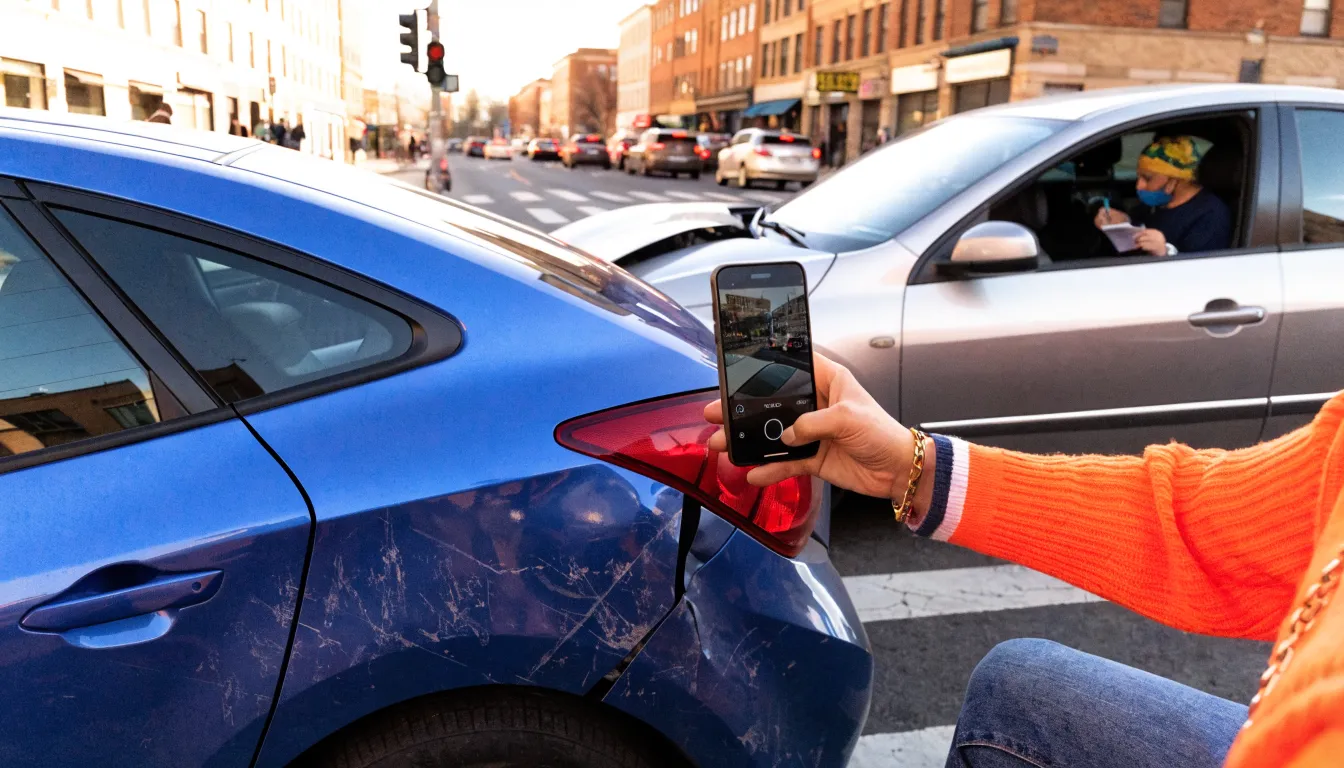
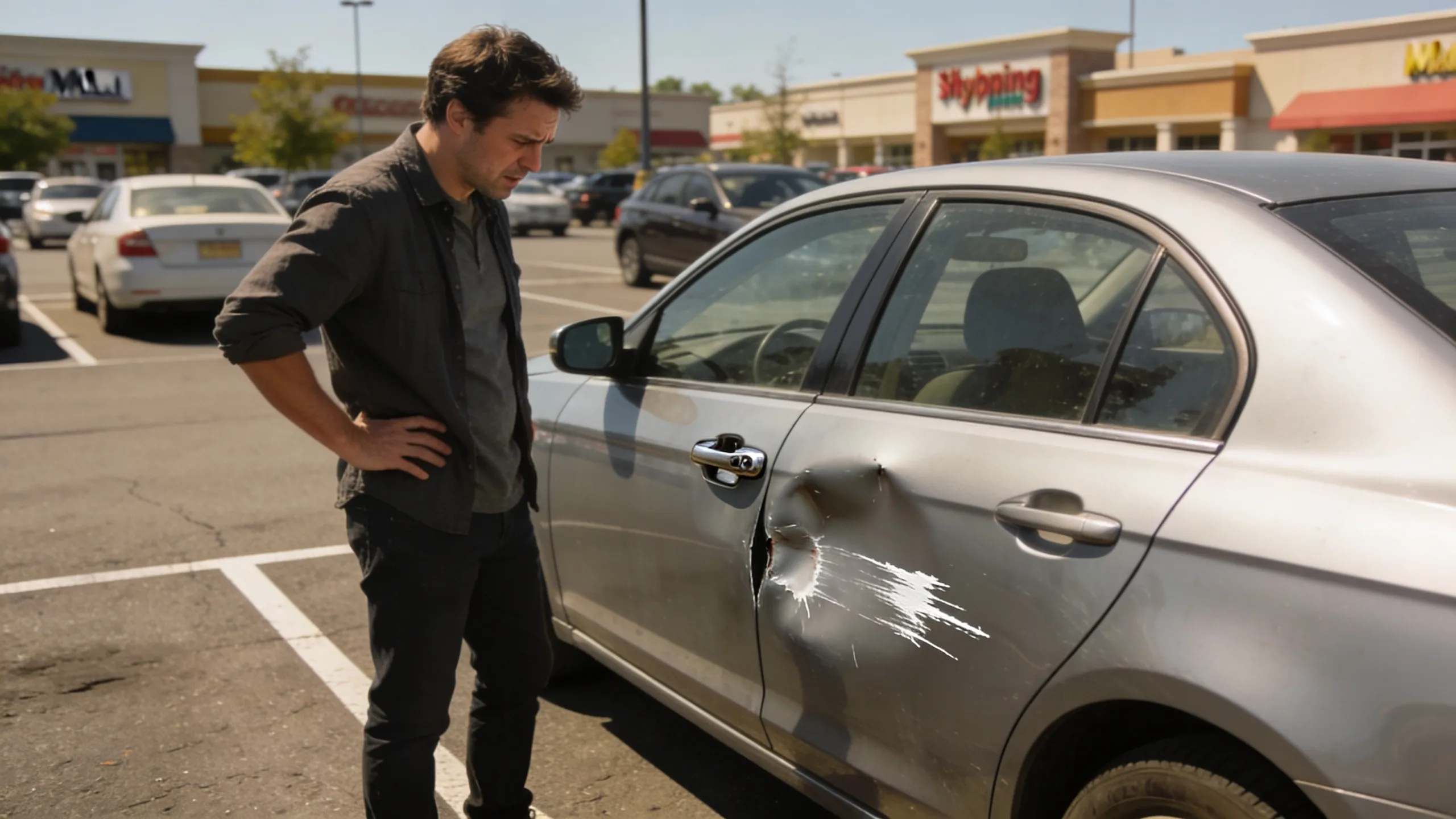
If you have ever dealt with a hit-and-run in a parking lot, a situation where someone hit your car, or a disputed intersection accident, you already know how frustrating it's to have your word against someone else's. A dash cam eliminates that ambiguity.
What Makes a Good Accident Evidence Dash Cam
Not every dash cam is built for insurance claims. A camera that records scenic road trips isn't the same as one designed to capture the critical seconds before, during, and after a collision. These are the features that actually matter for evidence quality.
Resolution and sensor quality
At minimum, you want 1440p (2K) resolution. True 4K (2160p) is better because it captures license plate numbers from farther away and holds up better when adjusters zoom into footage. The sensor matters as much as the resolution number. Sony STARVIS and STARVIS 2 sensors are the current standard for automotive cameras because they perform significantly better in low light than generic sensors.
G-sensor impact locking
This is the single most important feature for insurance claims. A G-sensor detects sudden acceleration, deceleration, or impact and automatically locks the current recording file so it can't be overwritten by the loop recording cycle. Without this feature, your accident footage could be recorded over on your next drive before you have a chance to save it.
Loop recording and storage
Dash cams record in continuous loops, typically in 1-minute or 3-minute segments. When the memory card fills up, the camera overwrites the oldest unlocked footage. A 128GB card holds roughly 8 to 12 hours of 4K footage depending on bitrate. For most drivers, 128GB is the sweet spot between cost and recording capacity.
Wide-angle lens
A 140-degree to 160-degree field of view captures the full width of the road ahead plus the edges of adjacent lanes. Anything wider than 160 degrees introduces barrel distortion that can make footage harder to interpret. The Garmin Dash Cam 67W pushes to 180 degrees but uses software correction to reduce distortion.
Parking mode
Parking mode activates the camera when it detects motion or impact while your car is parked and off. This is how you catch someone who hits your car door and leaves. Most parking modes require a hardwire kit that draws power from your car's battery, the Viofo A229 Pro includes one in the box.
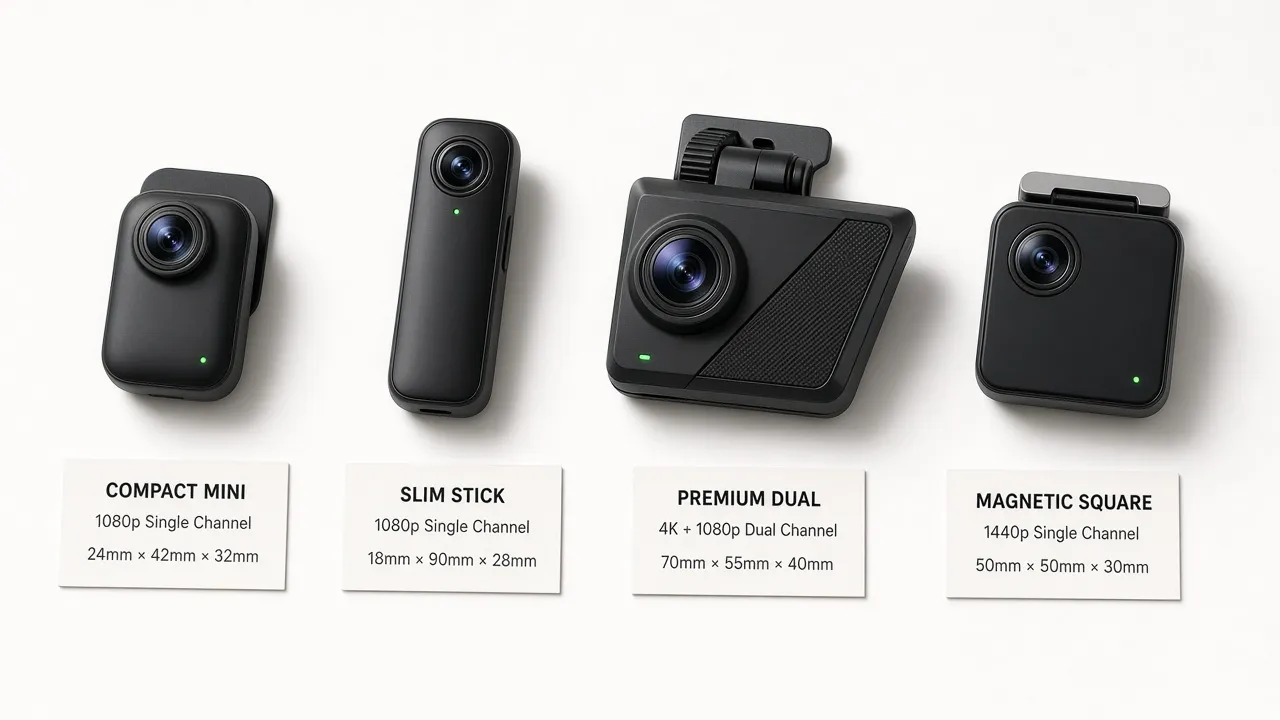
Best Dash Cam Overall: Viofo A229 Pro
The Viofo A229 Pro is the best dash cam for most drivers who want reliable accident evidence. It records 4K at a high bitrate on the front camera and 2K HDR on the rear, using Sony STARVIS 2 sensors on both channels. The dual-channel system captures both what happens in front of you and what happens behind you, which is critical for rear-end collisions and parking lot incidents.
What sets the A229 Pro apart from similarly priced competitors is the included HK4 hardwire kit, which enables parking mode out of the box without an additional $25 to $40 purchase. The buffered parking mode detects motion and impact, recording 15 seconds before and after the event. WiFi connectivity lets you pull footage to your phone without removing the memory card.
- Price: $200 to $250 (front + rear)
- Resolution: 4K front, 2K HDR rear
- Sensor: Sony STARVIS 2 (both channels)
- FOV: 140 degrees front, 160 degrees rear
- Parking mode: Included (hardwire kit in box)
- Storage: Supports up to 512GB microSD
- Best for: Drivers who want complete front-and-rear coverage with parking mode ready to go
Best Ecosystem: Garmin Dash Cam 67W
The Garmin Dash Cam 67W trades rear-camera capability for the most polished software experience in the dash cam market. It records 1440p HDR with a 180-degree ultra-wide field of view that captures more of the scene than any other camera in this roundup. The magnetic mount makes it easy to remove for travel or when parking in high-theft areas.
Garmin's companion app is the best in the business for managing footage, and the camera integrates with other Garmin devices if you already use their ecosystem. Voice control lets you trigger manual saves, take photos, or start and stop recording without touching the camera. The 16GB included card is small but the camera supports up to 512GB.
- Price: $200 to $230 (front only)
- Resolution: 1440p HDR
- Sensor: Proprietary Garmin sensor
- FOV: 180 degrees (software-corrected)
- Parking mode: Yes (requires Garmin parking mode cable, sold separately)
- Storage: 16GB included, supports up to 512GB
- Best for: Drivers who value app quality, voice control, and ultra-wide coverage over rear recording
Best Safety Features: Nextbase 622GW
The Nextbase 622GW is the premium option with a feature no other consumer dash cam offers: Emergency SOS with what3words integration. When the camera detects a severe collision, it automatically contacts emergency services and transmits your precise location to a 3-meter grid square. For solo drivers or anyone who frequently drives in rural areas, this feature alone justifies the price premium.
The 622GW records true 4K with image stabilization and a 3-inch polarized touchscreen that remains readable in direct sunlight. It supports an optional rear camera module sold separately. The Nextbase app offers cloud backup and easy sharing, which is useful when you need to send footage to an insurance adjuster or attorney quickly.
- Price: $300 to $350 (front only; rear module additional)
- Resolution: 4K with image stabilization
- Sensor: Sony STARVIS sensor
- FOV: 140 degrees
- Parking mode: Yes (with Nextbase hardwire kit, sold separately)
- Storage: Supports up to 256GB
- Best for: Solo drivers or anyone who wants automatic emergency response and premium build quality
Best Budget: Rexing V1 4K
The Rexing V1 4K proves you don't need to spend $200 or more to get reliable accident footage. It records 4K front video with a 170-degree wide-angle lens in one of the most discreet form factors available. The supercapacitor design (instead of a lithium battery) handles extreme temperatures better than battery-powered cameras, making it a strong choice if you park outdoors in very hot or cold climates.
The trade-offs at this price point are predictable: no rear camera, no WiFi (you pull footage via the memory card), and the night vision is adequate but not outstanding. For a front-only camera that reliably captures daytime and moderate low-light footage for under $100, the Rexing V1 is hard to beat.
- Price: $80 to $100 (front only)
- Resolution: 4K front
- Sensor: Generic CMOS
- FOV: 170 degrees
- Parking mode: Yes (with motion detection; no hardwire kit included)
- Storage: Supports up to 256GB
- Best for: Budget-conscious drivers who want basic 4K front recording without extra features
How to Use Dash Cam Footage for Insurance Claims
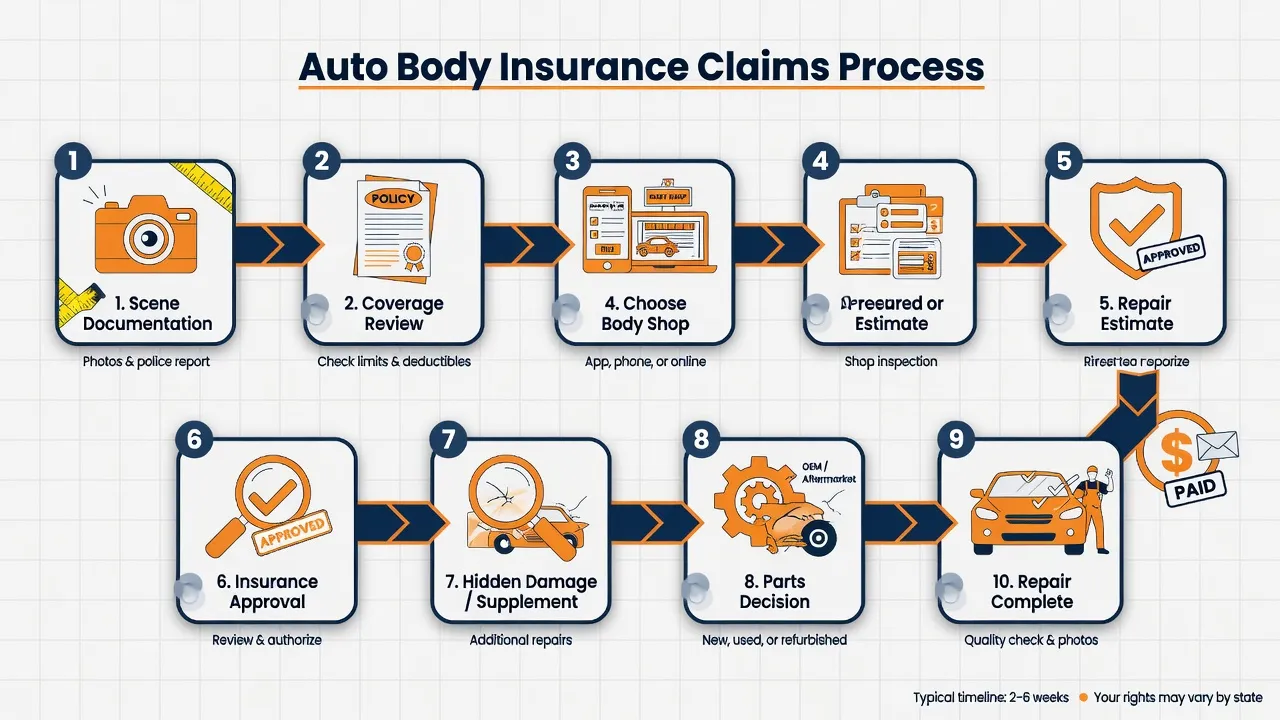
Having a dash cam is only useful if you know how to use the footage effectively when a claim arises. Here's the process, which you should know before you need it. After any accident, follow the standard first steps after a car accident, then handle the dash cam footage separately.
Preserve the footage immediately
Don't drive away from the accident scene without manually locking the recording file or removing the memory card. Even with G-sensor locking, the safest approach is to remove the card and put it in a safe place. Replacement cards cost under $20.
Make a backup copy
Copy the footage to your phone, a computer, or cloud storage before submitting the original card. Insurance adjusters and attorneys may ask for the original file with metadata intact, so keep an unedited copy. Never edit or trim footage before submitting it, as this can raise questions about what was removed.
Submit footage with your claim
When you file your collision insurance claim, mention that you have dash cam footage. Most insurers accept video via their app, email, or through your adjuster directly. Include footage from before, during, and after the incident to provide full context. Adjusters will review the footage alongside photos, police reports, and witness statements.
Understand what footage can and can't prove
Dash cam footage is strong evidence for establishing the sequence of events, identifying vehicles involved (license plates, colors, makes), and documenting road conditions, traffic signals, and speed. It doesn't always establish fault on its own. An adjuster or attorney interprets the footage in context with other evidence. That said, in clear-cut scenarios like rear-end collisions or red-light violations, footage is often decisive.
Installation Tips for Maximum Evidence Quality
Where and how you mount the camera affects footage quality more than most people realize.
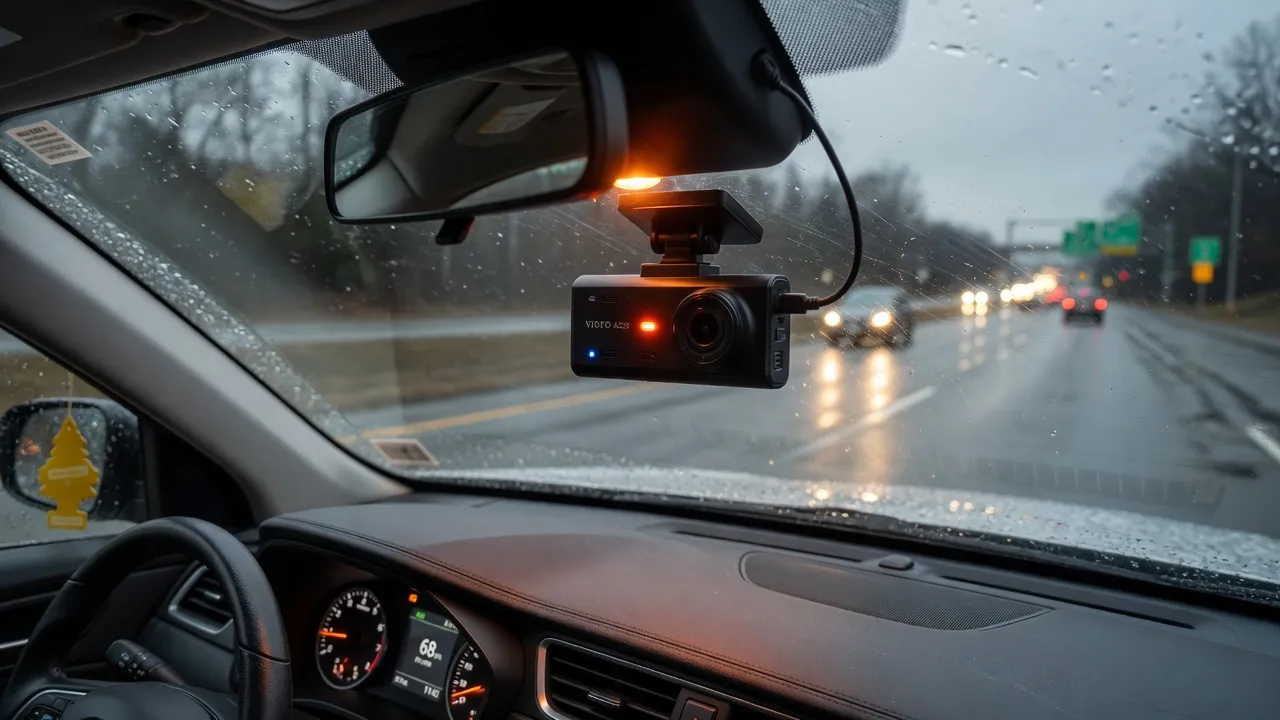
Mount behind the rearview mirror. This position is the least obstructive to your view and captures the widest unobstructed field. It also keeps the camera out of direct sunlight, which reduces heat buildup and extends the life of internal components.
Route the cable cleanly. Tuck the power cable into the headliner trim, down the A-pillar, and along the dashboard edge. A loose cable dangling across the windshield looks unprofessional and can create reflections that degrade footage quality. Most dash cams include a trim tool for tucking cables.
Use a high-endurance memory card. Standard SD cards are not designed for continuous write cycles and will fail within months of dash cam use. High-endurance cards from Samsung, SanDisk, or Lexar are rated for 20,000 to 40,000 hours of continuous recording. A 128GB high-endurance card costs $15 to $25.
Format the card monthly. Even high-endurance cards benefit from a monthly format through the dash cam's menu (not your computer). This prevents file system errors that can cause recording gaps. You want zero gaps when it matters most. Financial issues at major repair chains are a reminder that protecting yourself proactively matters. Even amid chain financial instability, having your own documentation ensures your repair claim is never in question.
Frequently Asked Questions
Do insurance companies accept dash cam footage as evidence?
Yes. Dash cam footage is accepted as evidence by insurance companies, attorneys, and courts in all 50 U.S. states. Most major insurers including Progressive, State Farm, GEICO, and Allstate have processes for receiving and reviewing video evidence submitted with claims. The footage is treated as supplemental evidence alongside police reports, photos, and witness statements.
Can dash cam footage be used against me in a claim?
Yes, it can. If your footage shows you were at fault, ran a red light, or were speeding, the other party's insurer or attorney can request it during the claims process or in litigation. However, you're generally not required to volunteer footage that harms your case. Consult an attorney before submitting footage if fault is unclear or if you believe the footage could be misinterpreted.
Do I need a front and rear dash cam or just front?
A dual-channel system with front and rear cameras provides the most complete evidence. Rear cameras capture tailgaters and rear-end collisions, which are the most common type of multi-vehicle accident. If budget is a concern, a front-only camera still covers the majority of accident scenarios. The Viofo A229 Pro offers the best value for a complete dual-channel system under $250.
Will a dash cam drain my car battery in parking mode?
Hardwire kits include a voltage cutoff that disconnects the camera when your battery drops below a safe threshold, typically 11.8 to 12.0 volts. This prevents the camera from draining your battery to the point where the car won't start. Most modern vehicles can support parking mode recording for 24 to 48 hours without issue. If you park for longer periods, consider a dedicated dash cam battery pack.
How long does dash cam footage last before it's overwritten?
On a 128GB card recording at 4K, expect roughly 8 to 12 hours of footage before the oldest unlocked files are overwritten by loop recording. At 1440p, that extends to 12 to 18 hours. G-sensor locked files from impacts are never overwritten until you manually delete them, so your accident footage is protected. For maximum retention, use a 256GB or 512GB high-endurance card.